
Information & Communication Technology (ICT)
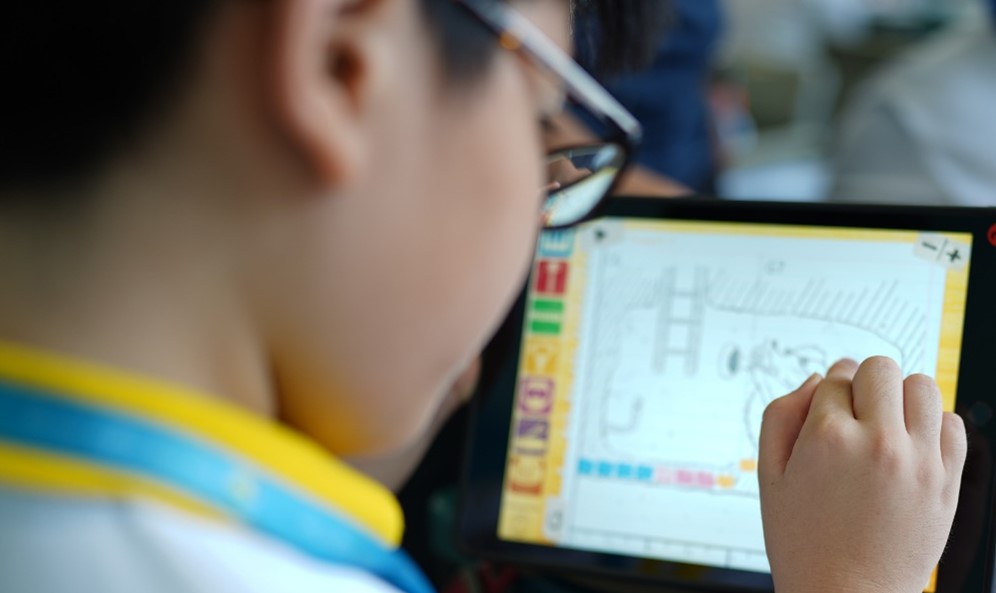
Find out how PVPS uses technology to build digital skills in students from Primary 1 to 6, and how teachers are supported to design engaging tech-based lessons.
Department Goal
Technology-enhanced learning environment that fosters effective teaching and learning.
Student Outcomes
Students as Future-Ready Digital Learners
Self-Directed Learners
Connected Learners
Lead a Healthy Digital Lifestyle
Student Programmes
From Primary 1 to Primary 6, our students receive training to gradually build their Basic ICT skills in accordance with the MOE Baseline ICT Standards (New Media Literacies). Additionally, students experience subject-specific ICT enriched learning experiences to prepare them as Future-Ready Digital Learners.
PVPS ICT Baseline Programs
Overview of PVPS ICT baseline programmes by primary level
Level | Programmes |
|---|---|
Primary 1 | Introduction to basic parts of a laptop and login to Windows Login to SLS and participating in Zoom lessons Touch Typing |
Primary 2 | Using internet browser (Google Chrome) and searching for media Introduction to MS Word |
Primary 3 | Using internet browser and searching for information Introduction to MS PowerPoint |
Primary 4 | Introduction to Google Drive |
Primary 5 | Code for Fun (by IMDA) |
Primary 6 | Introduction to Google Sites |
Teacher Outcomes
Teachers as Designers of Engaging and Impactful Technology-Mediated Learning Experiences
Designers of Technology-Mediated Learning Experiences
Facilitate Engaging and Impactful Active Learning with Technology
Digital Learners who continually develop themselves Professionally
Staff Development
With the introduction of SkillsFuture for Educators: e-Pedagogy in 2019, the experience of Full Home-Based Learning (HBL), and Blended Learning in 2020. The school believes in developing our staff to leverage technology for teaching and learning as a critical driver to attain its intended student outcomes.
ICT Department used the following learning platforms to build staff capacity in e-pedagogy:
School wide Professional Development on e-pedagogy
Regular ICT sharing sessions conducted by ICT Champions; 15 min Tech & Go
ICT Mentoring sessions by ICT Mentors
Courses conducted by AST, ETD or other organisations
Cyber Wellness @ PVPS
What is Cyber Wellness?
Cyber Wellness refers to the positive well-being of Internet users. It involves an understanding of the risks of harmful online behaviors, an awareness of how to protect oneself and other Internet users from such behaviors.
PVPS adapts MOE’s Sense-Think-Act framework to develop pupils’ instinct to protect and empower them to take responsibility for their well-being in cyberspace. The two principles, ‘Respect for Self and Others’ and ‘Safe and Responsible Use’ when adhered to will anchor pupils’ well-being in cyberspace as they will then be able to make careful and well-considered decisions.
Sense: Pupils should be able to identify the possible risks.
Think: Pupils should be able to analyse, evaluate and reflect on the online situation they are facing based on the two principles.
Act: Pupils should be able to translate his/her understanding into actions that will keep him/her safe while online.
The Cyber Wellness Curriculum focusses on the development of 21st century and social-emotional competencies in the use of ICT. The main platform for the delivery of the lessons is via Form Teacher Guidance Periods (in Primary schools).
PVPS also collaborates with FamilyMatters@School to engage TOUCH Cyber Wellness to train and empower our Service Learning Council (SLC) Cyber Wellness Ambassadors to have greater sense of responsibility, perseverance, optimism, better self-esteem and confidence. The Ambassadors will also able to identify potential hazards in the cyberspace faced by their peers and provide solution to address these concerns. Assembly talks are conducted by our SLC Cyber Wellness Ambassadors to promote good cyber wellness practices.
Dos:
Seek permission before using computing devices.
Have a time limit for the use of electronic devices.
Practice netiquette on the internet.
Respect intellectual property right.
Follow rules and terms of use of different websites.
Don'ts:
Access websites that have age restrictions for e.g. Many social media sites have age limit for setting up.
Accounts to comply with international regulations on children accessing social media.
Share password with others.
Share personal information online.
Meet strangers face to face without parents’ knowledge spread rumours and say mean things online.
Useful tips and information for Parents and Pupils
Children and their devices: How to strike the right balance (opens in new tab)
Future tense: Keeping kids grounded while tech turns the world upside down (opens in new tab)
What does a student’s AI-enhanced day look like? Here’s a peek (opens in new tab)
Are you struggling with your child’s excessive device use? (opens in new tab)
7 things every parent can do to keep kids cyber-safe: A tech dads special (opens in new tab)
The future looks rosy’: why this dad isn’t afraid of the rise of AI (opens in new tab)
Keeping kids safe online – A community effort (opens in new tab)
Recording of Instagram Live – Raising Digitally Smart Kids (opens in new tab)